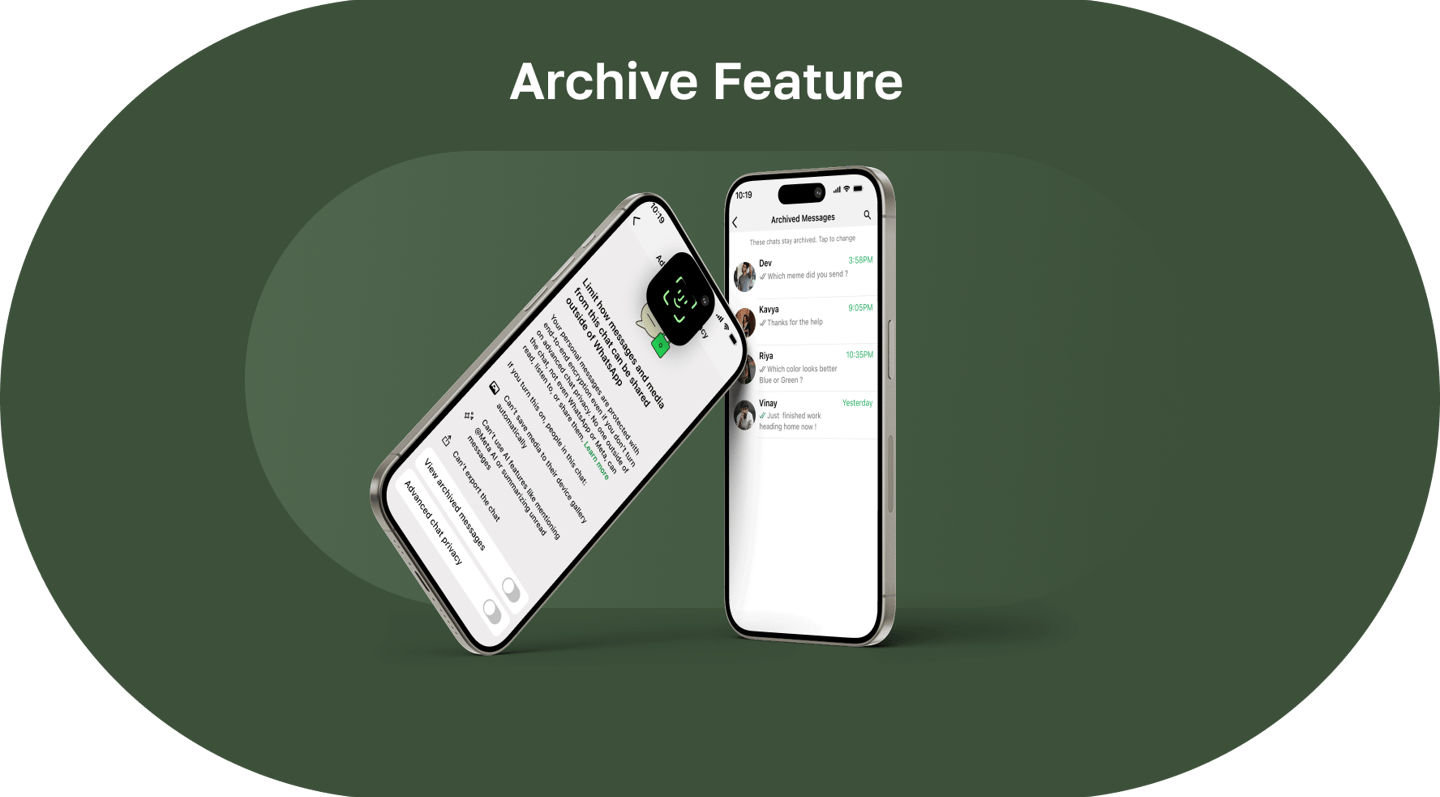
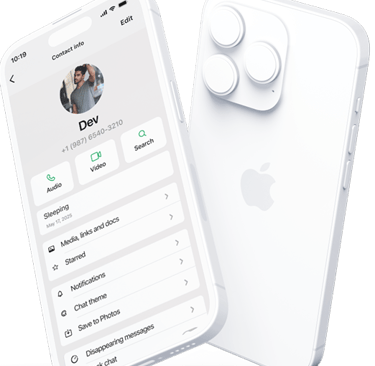
WhatsApp Redesign
Role: UI/UX Designer, UX Researcher
August 2025 - October 2025
A personal exploration into extending WhatsApp's privacy features through message-level archiving, giving users granular control without disrupting the app's signature simplicity.

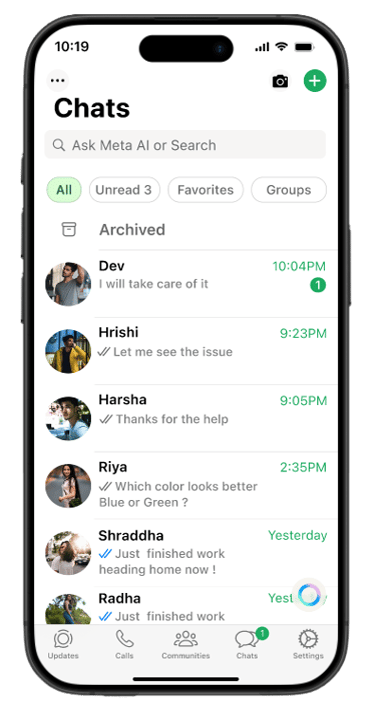
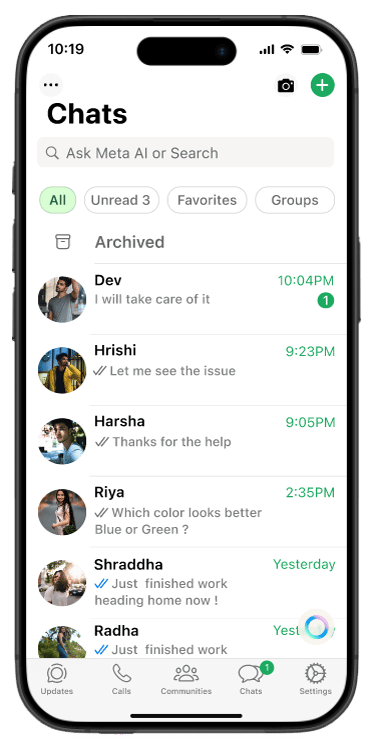
Project Background and Personal Journey
As a frequent WhatsApp user, I often find myself in group chats where sensitive information gets shared—addresses, phone numbers, bank details, personal photos. While I appreciate having this information when I need it, I don't want it sitting in my main chat view where someone glancing at my phone might see it.
The current "Archive chat" feature works well for conversations I rarely check, but it's too blunt a tool for messages I want to keep but hide. I also noticed this pain point among friends and family, especially those concerned about privacy in shared device situations.
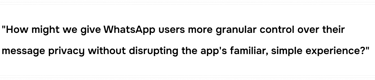
This observation led me to explore: What if WhatsApp allowed message-level archiving, similar to how it handles message deletion? This project became an exploration in extending familiar patterns while respecting WhatsApp's design philosophy of simplicity and end-to-end encryption.
Problem
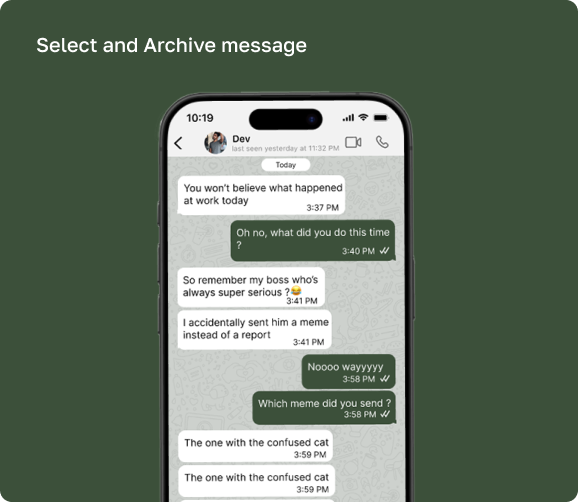
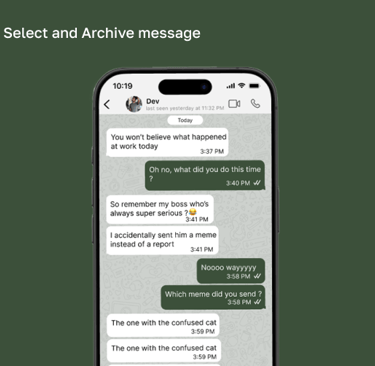
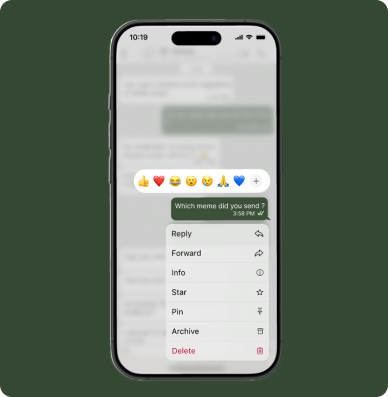
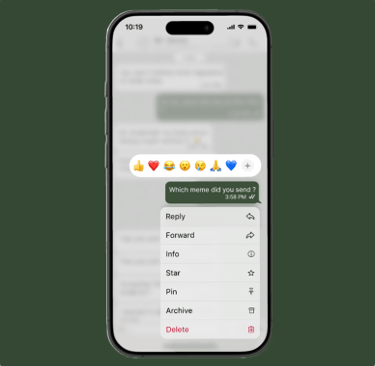
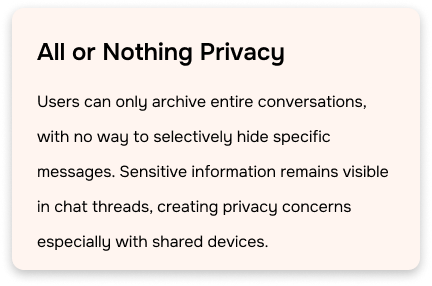
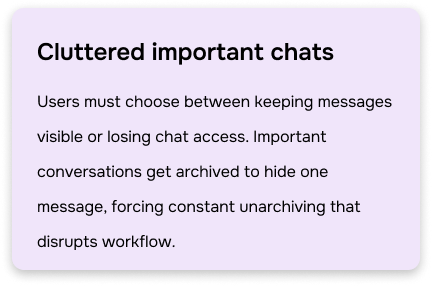
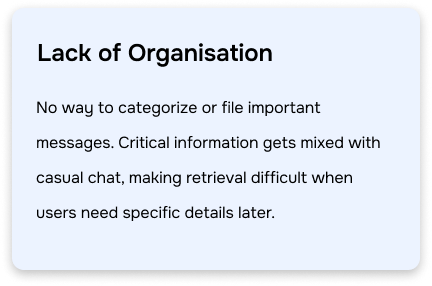
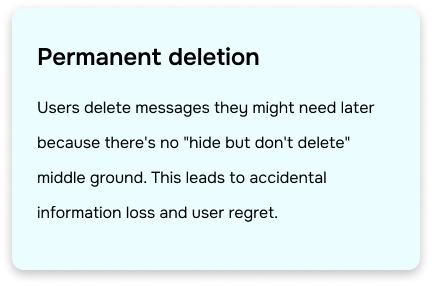
Currently, WhatsApp allows users to archive entire chats, but there's no way to archive individual messages within a conversation. Users who want to hide sensitive messages face only two options: permanently delete them or archive the entire chat—sacrificing quick access to ongoing conversations.
Research: Competitive and SWOT Analysis
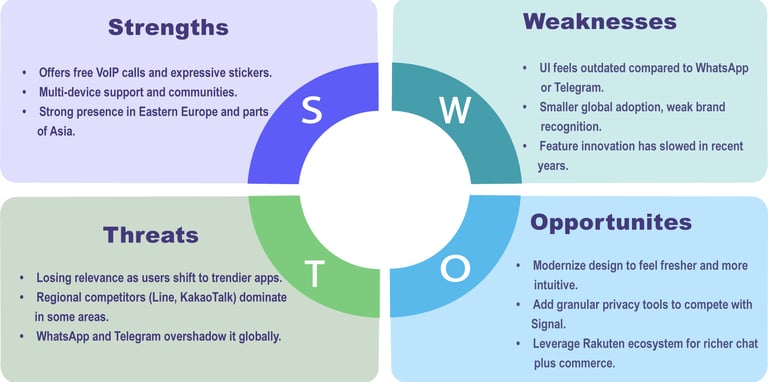
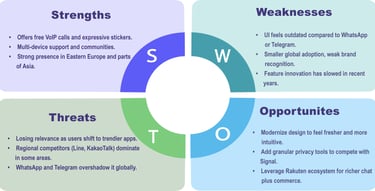
Signal
Viber
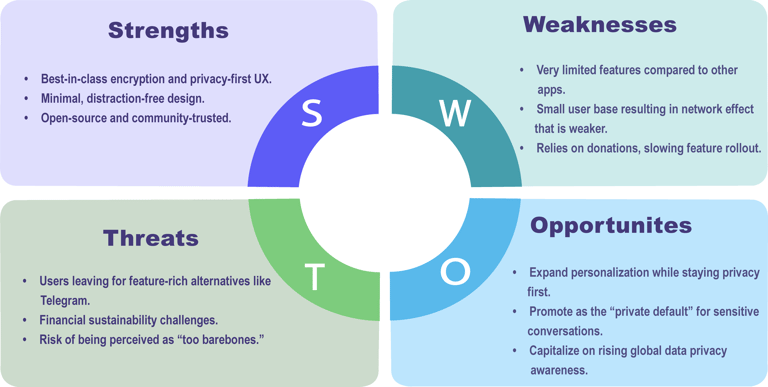
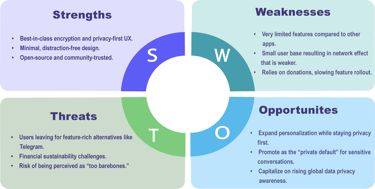
Signal excels in privacy with end-to-end encryption but lacks advanced message management features like selective archiving within conversations.
Viber provides feature-rich messaging with strong regional presence but offers only basic conversation management without granular message archiving capabilities.
User Surveys and Interviews
To understand user perspectives on privacy in messaging apps, I conducted surveys and short interviews with participants across different age groups—teenagers, working professionals, and parents. The aim was to uncover their frustrations with existing features and identify opportunities for improvement.
The survey included questions about
How often users felt the need to hide specific messages without deleting them.
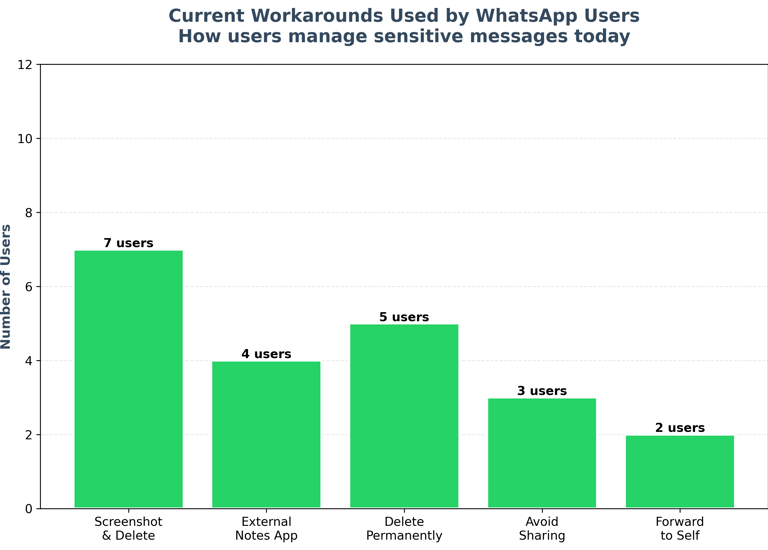
Current workarounds they use to maintain privacy.
Comfort levels with existing archive/delete options.
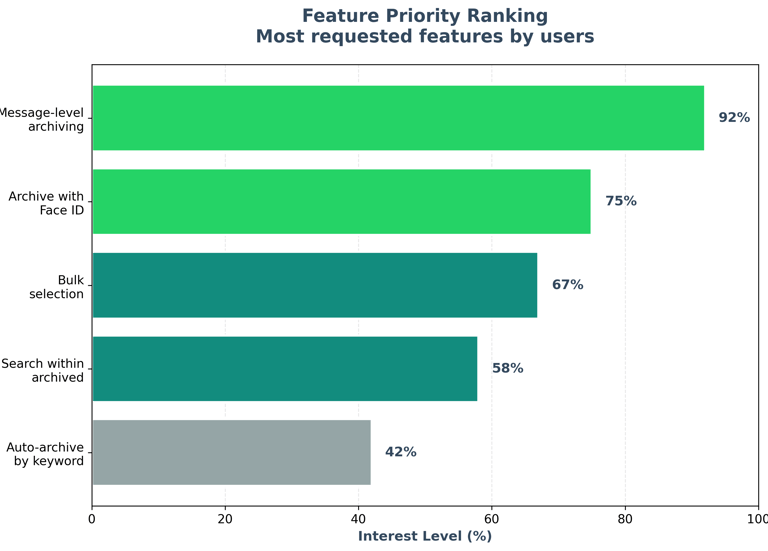
Their interest in a feature that allows archiving of selected messages within a chat.
In addition, one-on-one interviews gave deeper insights into personal contexts where privacy becomes critical—like hiding college gossip from parents, securing sensitive work messages from children, or protecting personal notes in shared devices.
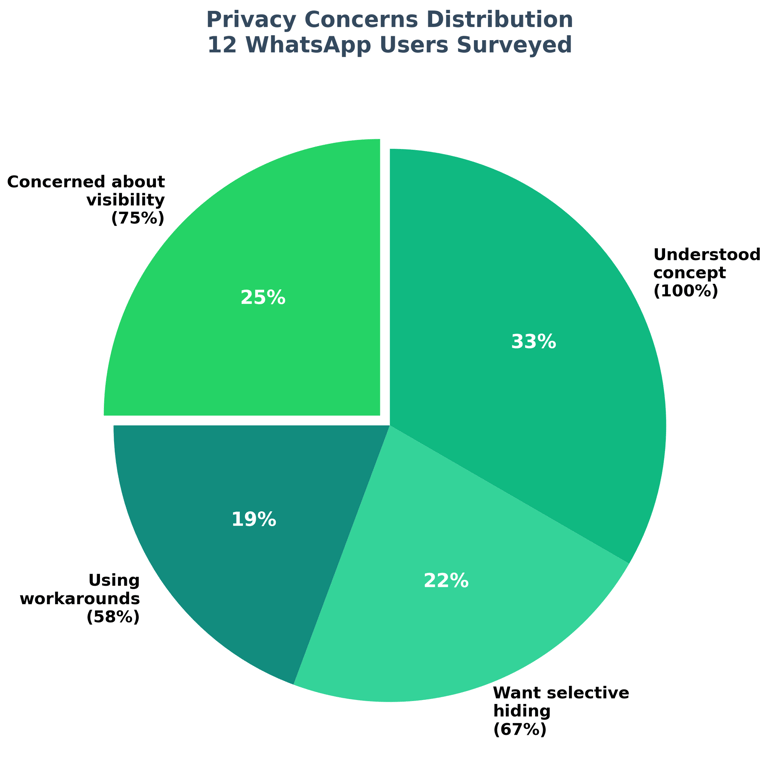
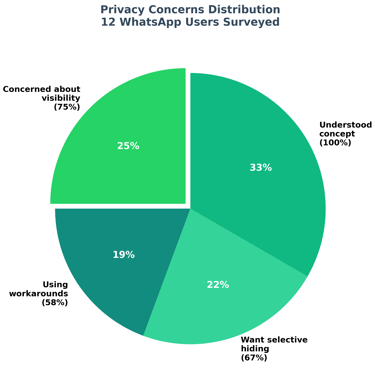
User Survey Takeaways
Strong Demand for Privacy Control: A majority of users expressed frustration with the lack of an option to hide individual messages. They found the current choices—delete or archive the entire chat—too extreme.
Contextual Use Cases: Teenagers wanted privacy from peers and parents, professionals from kids or colleagues, and elders from family members who occasionally check their phones.
Adoption Potential: Over 70% of respondents said they would actively use a “Message Archive” option as it balances privacy without disrupting ongoing conversations.
Trust & Accessibility: Users highlighted the importance of the feature being simple, intuitive, and secure—ensuring hidden messages can be accessed only when needed.
Card Sorts & Affinity Mapping
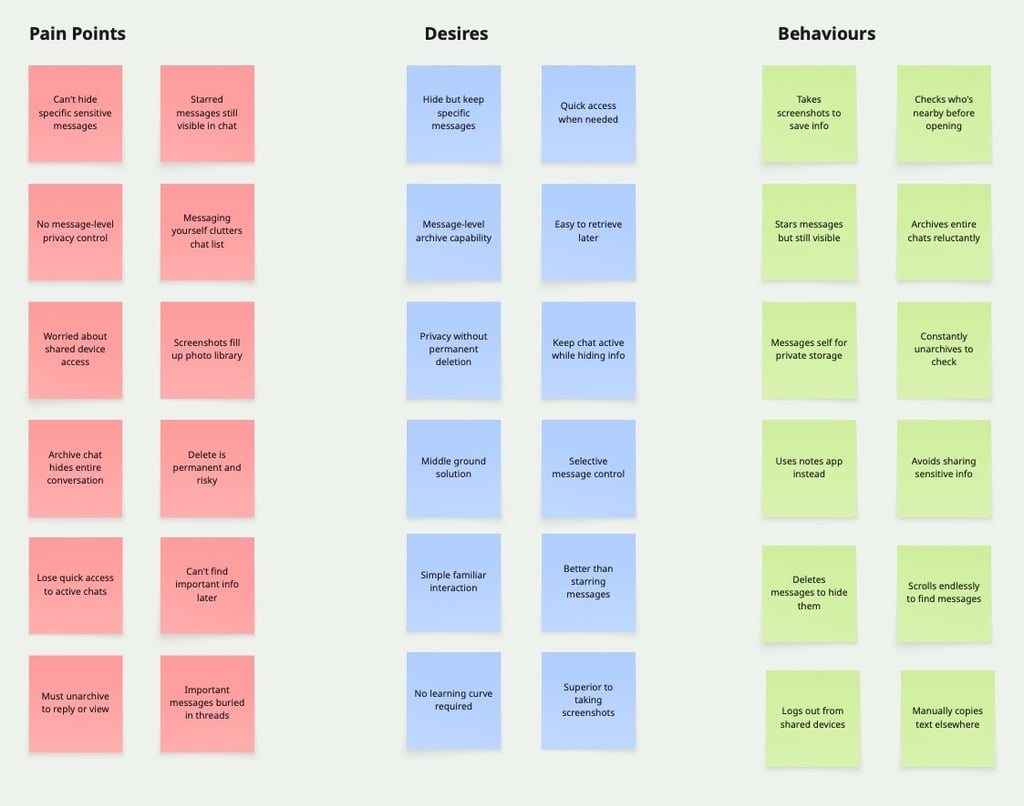
Through affinity mapping of 30+ insights from 12 user interviews, I identified three key themes: Pain Points: Users frustrated by all-or-nothing privacy—couldn't hide specific messages without archiving entire chats or deleting permanently. Shared device anxiety was prevalent. Desires: Users wanted a "middle ground"—hide specific messages while keeping them retrievable, with no learning curve. Behaviors: Users took screenshots, messaged themselves, or archived active chats just to hide one message—inefficient workarounds revealing a functionality gap. These insights validated the need for message-level archiving with familiar interactions and privacy-focused placement.
Meet the Users: Personas, Task Flows & Journeys
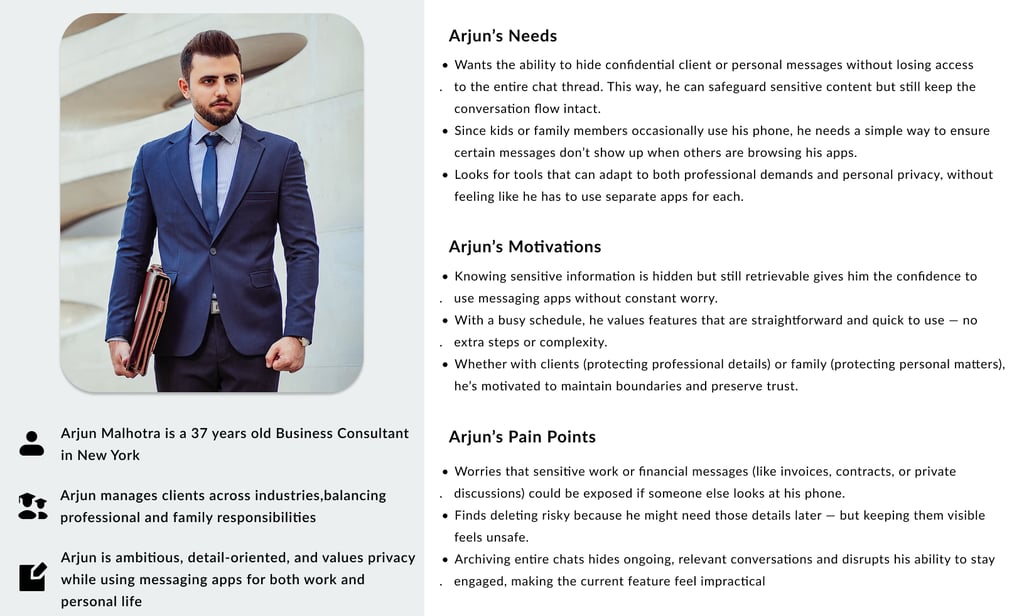
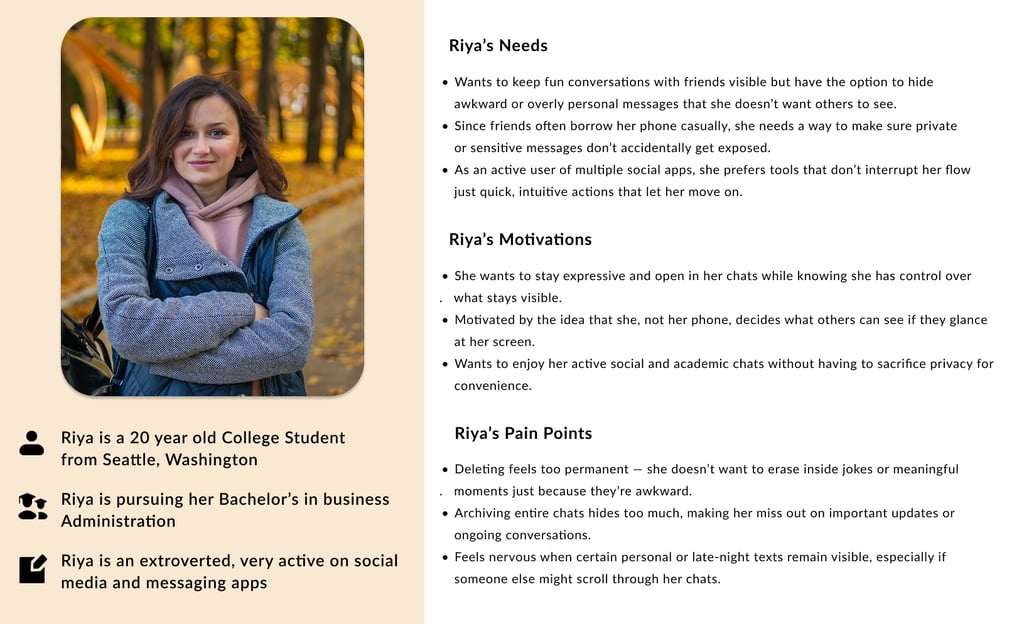
Based on user research and affinity mapping insights, I developed two key personas representing different user needs and contexts for message-level archiving. These personas aren't just demographic profiles—they represent real patterns observed across 15 interviews, embodying the privacy concerns, usage behaviors, and motivations that drive the need for selective message control.
Each persona was crafted from recurring themes in user conversations: Riya’s privacy needs, Arjun’s family device sharing concerns. These personas guided every design decision, from feature placement to interaction patterns, ensuring the solution addressed genuine user pain points rather than assumed needs.
Exploration, Ideation: Wireframes
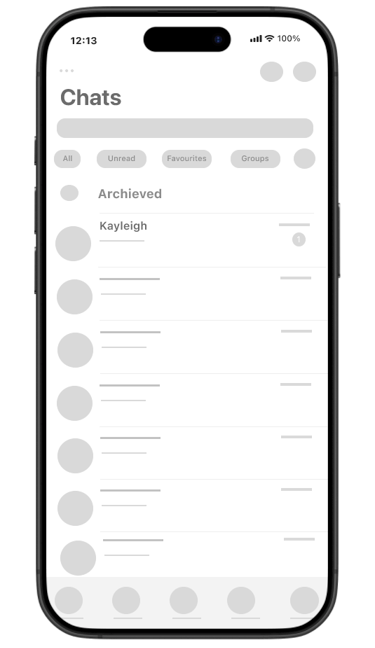
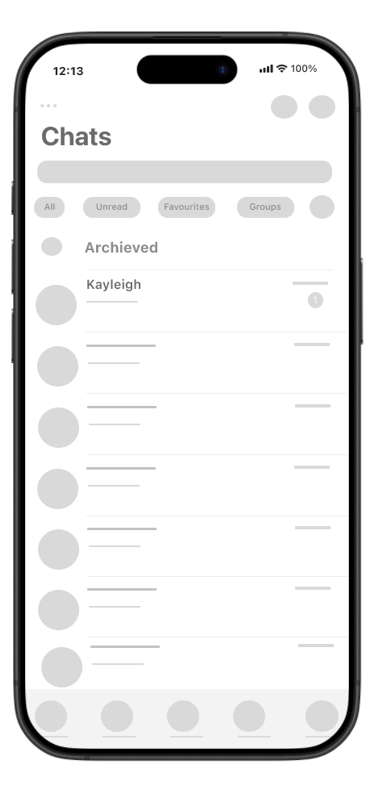
With a clear understanding of user needs and pain points, I began translating insights into tangible design solutions. The ideation phase focused on exploring how message-level archiving could integrate seamlessly into WhatsApp's existing interaction patterns without disrupting the familiar user experience.
I started by mapping out the complete user journey—from the moment a user decides to archive a message to retrieving it later. The key challenge was maintaining WhatsApp's principle of simplicity while introducing a new layer of privacy control. I sketched multiple variations of menu placements, confirmation dialogs, and visual indicators before settling on the most intuitive approach.
The wireframes prioritized:
Discoverability - Ensuring users could find the archive feature without hunting for it
Consistency - Mirroring existing WhatsApp patterns like starring and deletion
Clarity - Making it obvious when messages are archived vs. permanently deleted
Reversibility - Providing easy paths to both archive and unarchive
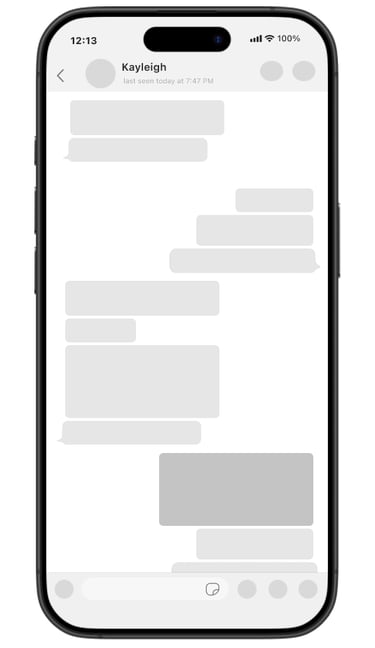
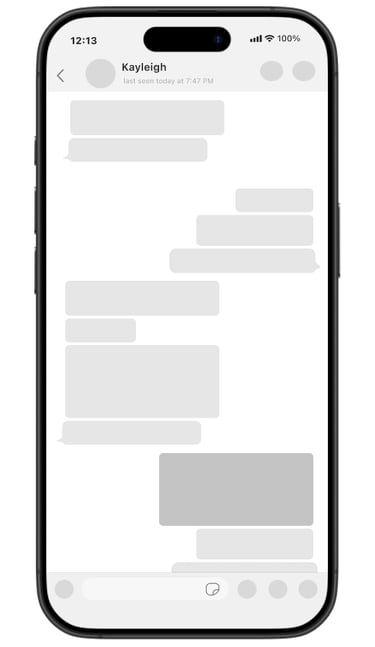
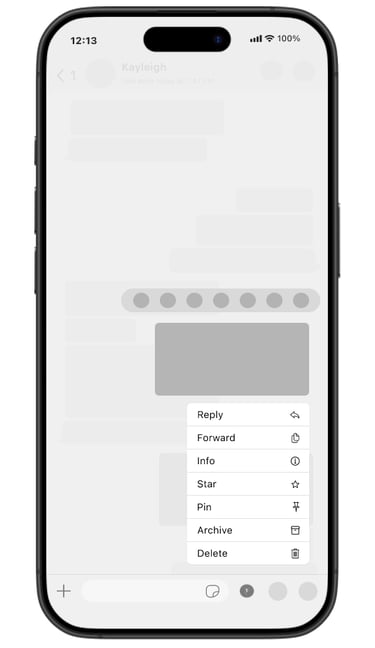
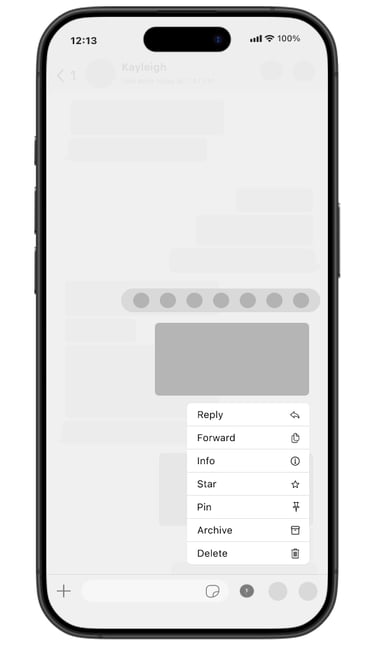
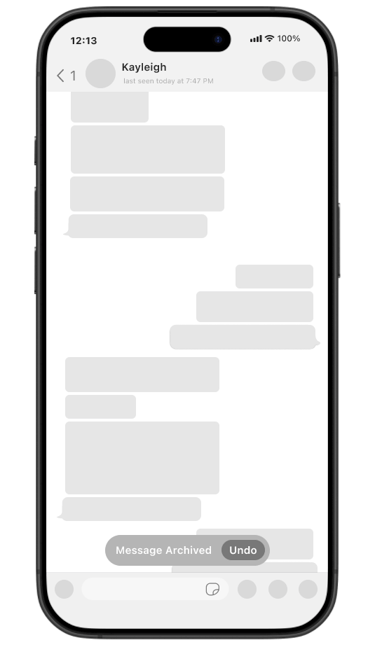
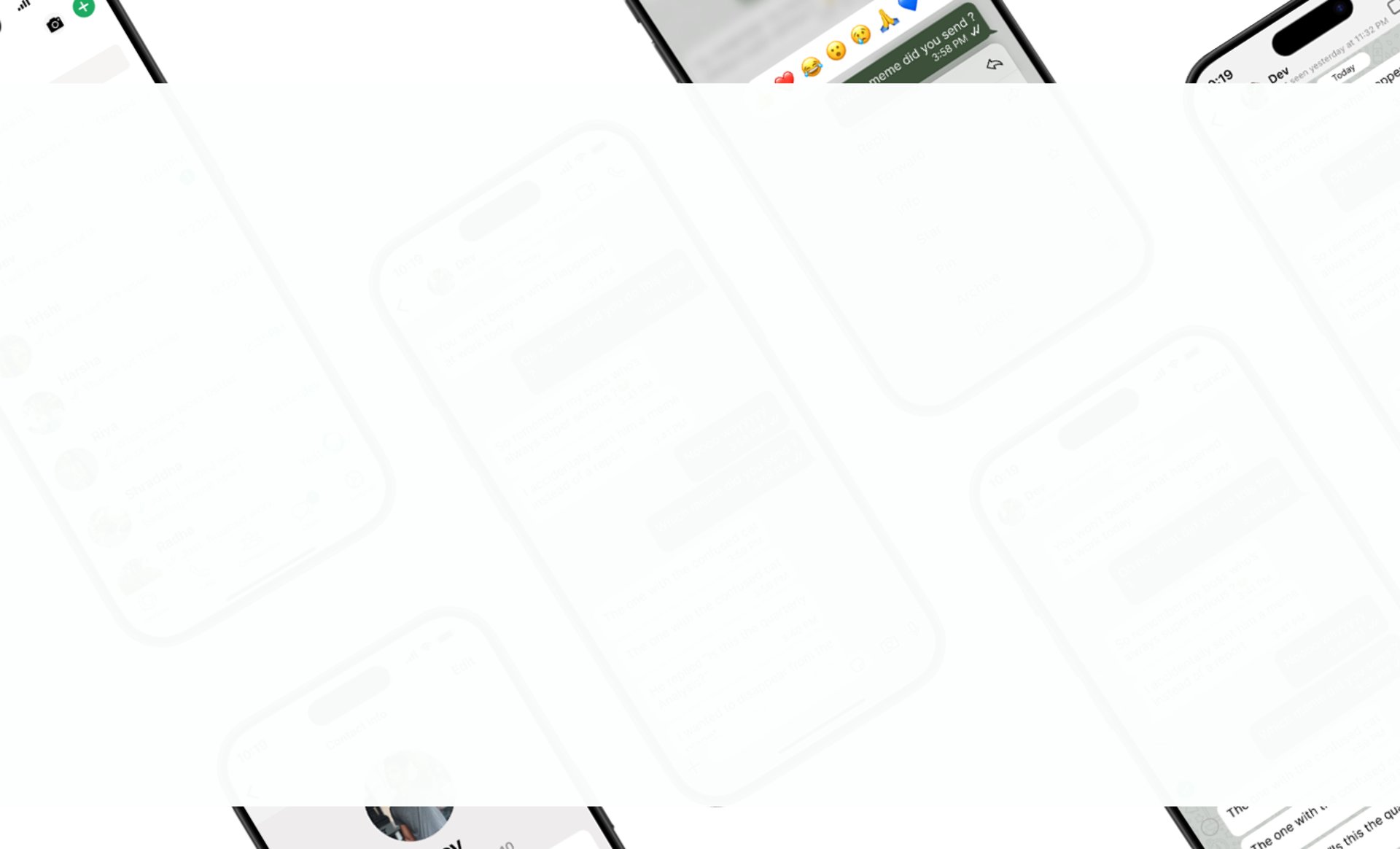
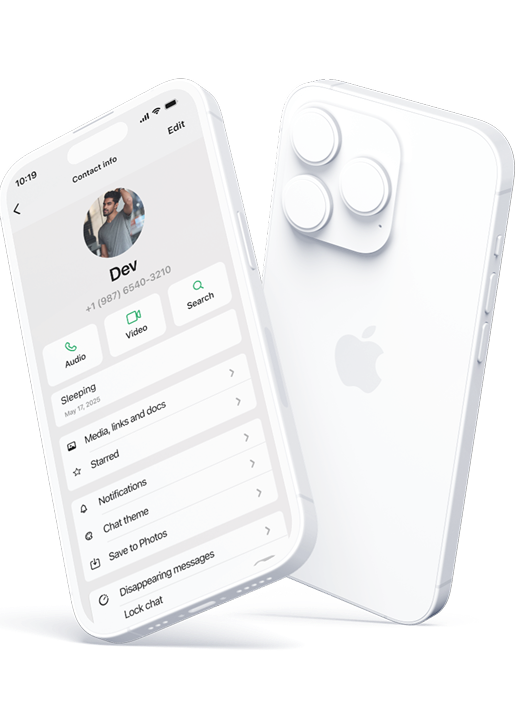
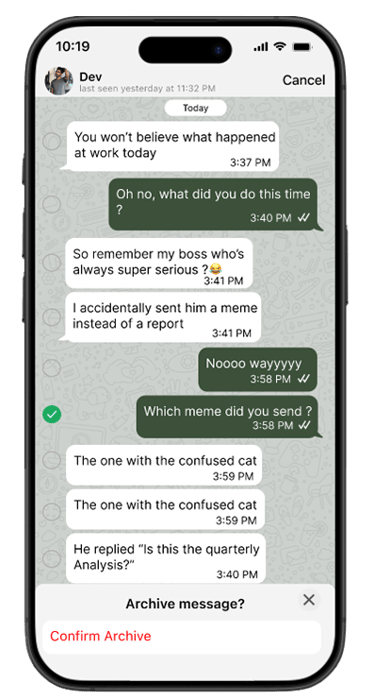
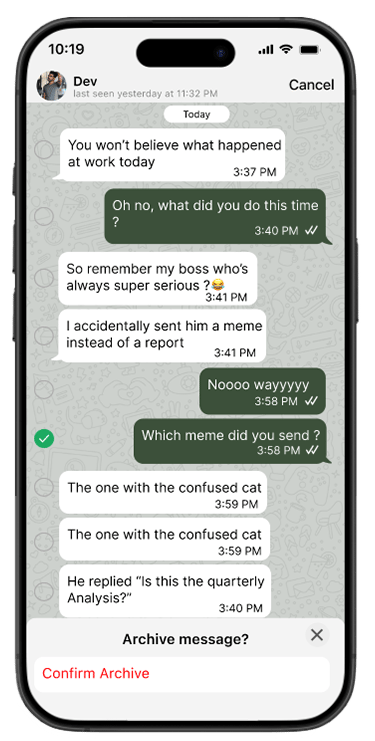
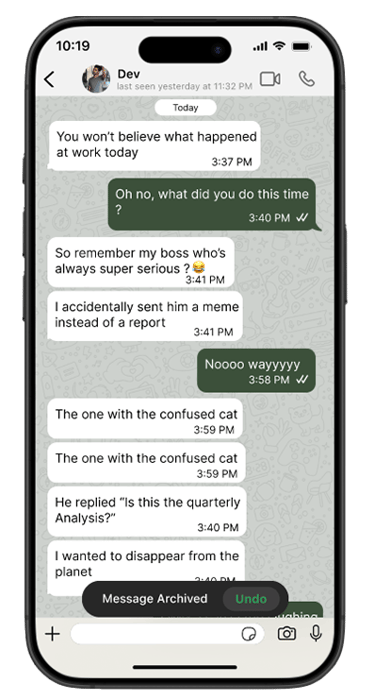
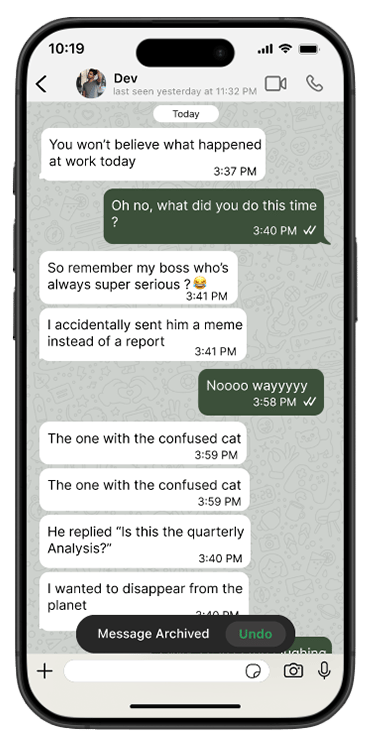
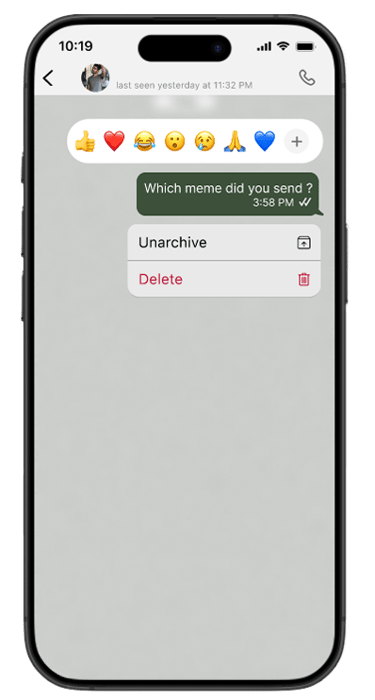
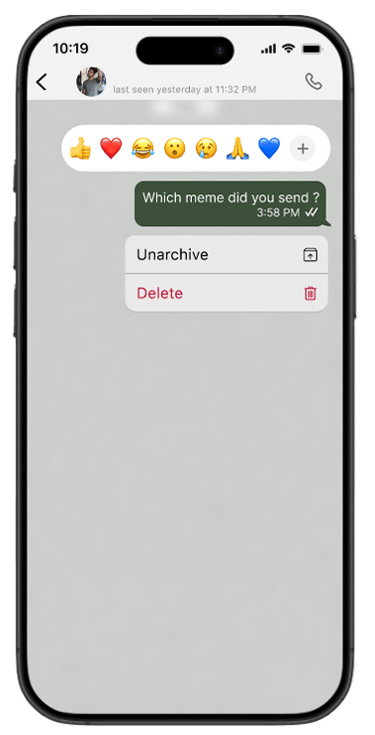
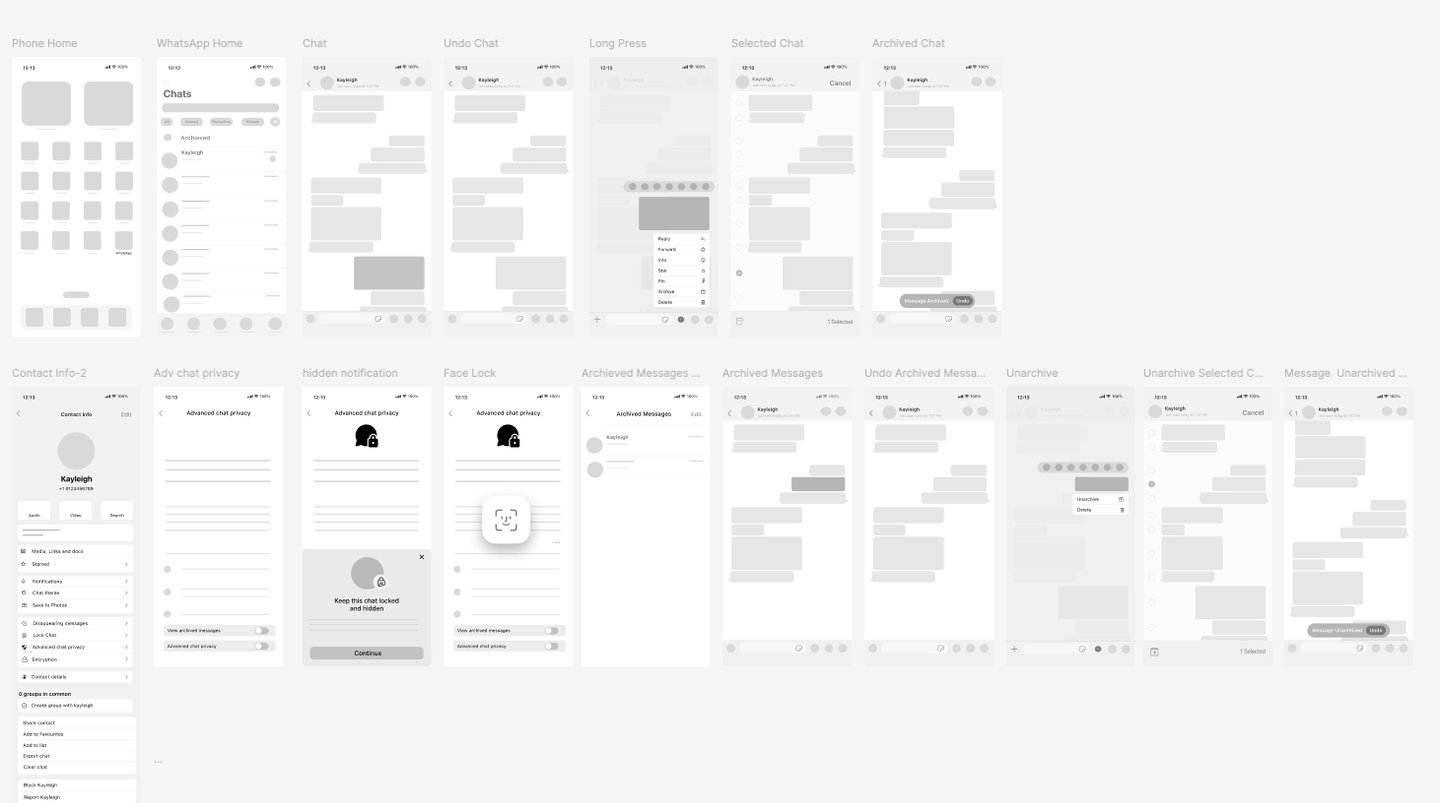
In designing the message archiving feature, I focused on creating a seamless extension of WhatsApp's existing message management capabilities. The goal was to introduce granular privacy control without disrupting the familiar interaction patterns that billions of users rely on daily. Integration of recognizable gestures and menu structures was key, so I adopted WhatsApp's established long-press pattern to encourage a sense of familiarity and ease.
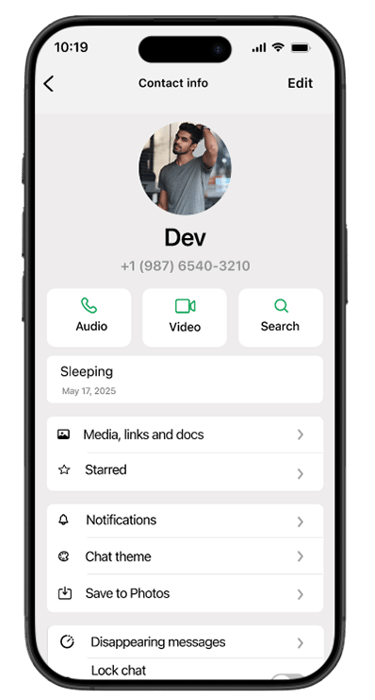
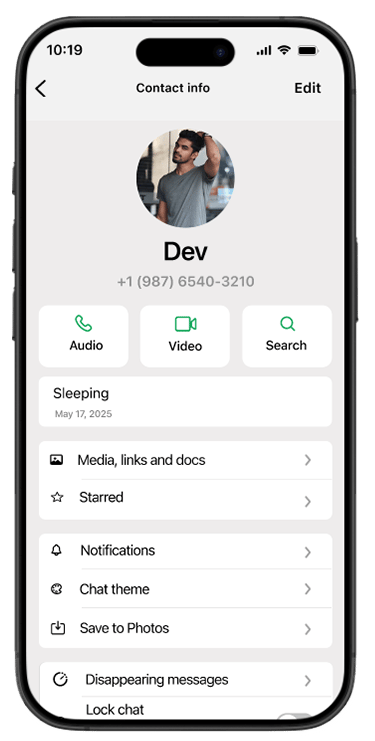
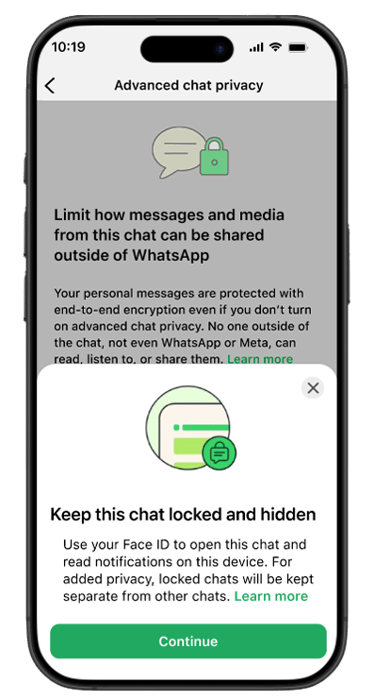
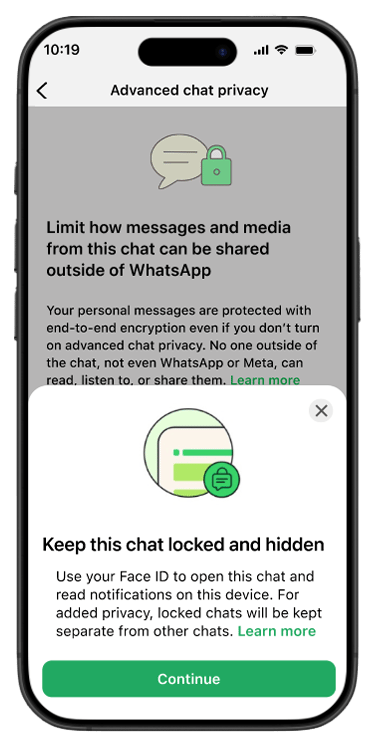
The wireframes included detailed steps in the message selection flow, archive confirmation process, and retrieval mechanisms through the Advanced chat privacy settings. This was followed by the development of mid-fidelity mockups, which incorporated feedback from informal user testing, highlighting the desire for a simple yet powerful way to hide sensitive messages while maintaining easy access when needed. The designs prioritized clarity in distinguishing between archiving (reversible and private) and deleting (permanent and synchronized), addressing a key concern users expressed during research. Below, you can see the complete user journey from initial archive action through to message retrieval and unarchiving.
Usability Testing
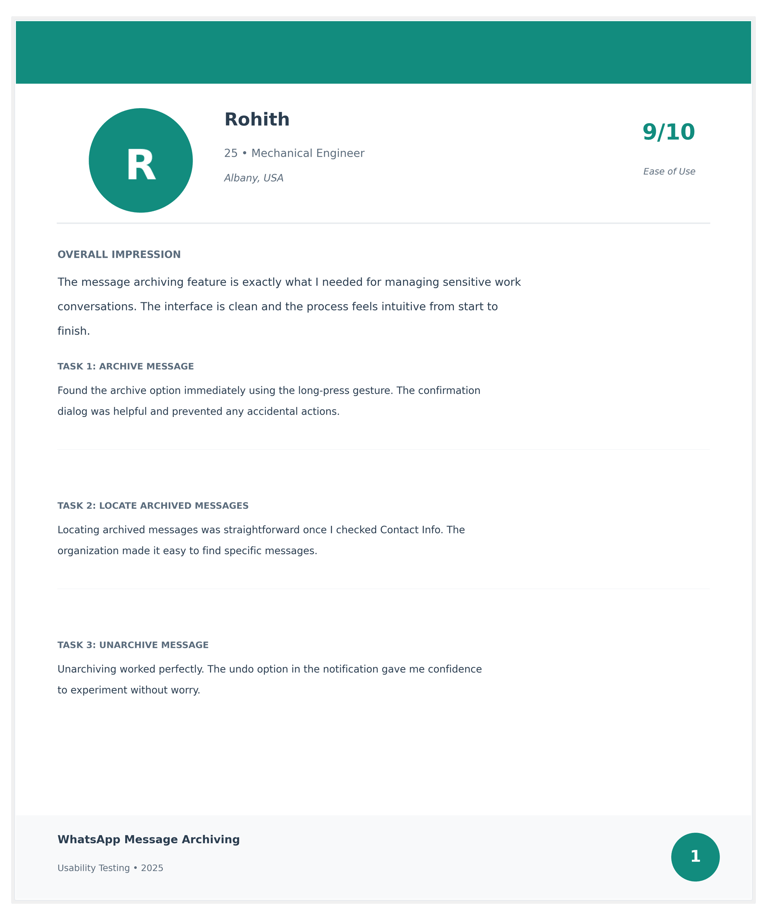
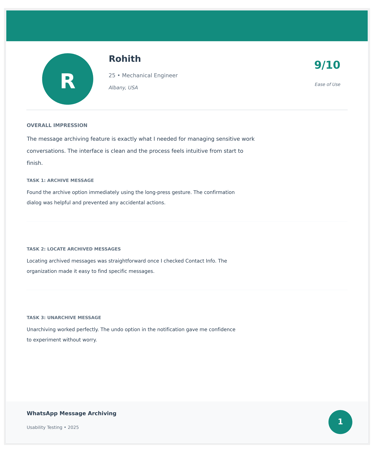
I developed an interactive prototype and conducted initial testing with 8 WhatsApp users across different age groups and usage patterns. The test was structured to provide insights into the feature's intuitiveness and whether it aligned with users' existing mental models of WhatsApp's interface.
Scenario: The user is in an active WhatsApp conversation where sensitive information (bank details, personal address, or private photos has been shared, and they want to hide specific messages while keeping the chat accessible.
Task 1: Locate and use the archive feature to hide a specific message containing sensitive information.
Task 2: Navigate to the archived messages section and verify the message has been successfully archived.
Task 3: Retrieve and unarchive the previously hidden message, returning it to the main chat view.
This approach allowed me to gather valuable insights on the feature's discoverability, clarity of purpose, and alignment with user expectations—directly from people who use WhatsApp daily for personal and professional communication.
Learnings
WhatsApp Message Archiving taught me
WhatsApp Message Archiving has been a journey of restraint and precision, growing from a personal frustration with visible sensitive messages to a comprehensive privacy solution that respects WhatsApp's design philosophy. This evolution was fueled by deep observation of real user behavior, whose workarounds—screenshotting messages, deleting and saving externally, or avoiding sharing sensitive information altogether—revealed the gap between existing features and actual privacy needs. The feature's potential to give users granular control over message visibility has highlighted the critical role of contextual privacy in modern communication.
The philosophy of designing within systems has been a cornerstone of this project. From the outset, I invested heavily in understanding not just user needs, but WhatsApp's existing patterns, mental models, and interaction paradigms. This respectful approach to the existing design system has not only made the feature feel native and intuitive but also made the creative process incredibly rewarding. The satisfaction of solving a real problem without disrupting a billion-user interface is a testament to the power of working with established patterns rather than against them—proving that sometimes the best innovation is invisible.
Key Lessons Learned:
The Power of Familiar Patterns Users didn't need tutorials because the long-press gesture, confirmation dialogs, and settings placement all leveraged patterns they already knew. This reinforced that the best UX often isn't revolutionary, it's evolutionary.
Privacy Is Personal and Contextual Every user has different privacy thresholds in different situations. A successful privacy feature doesn't impose rules—it gives users the tools to make their own choices about what to hide and when.
Constraints Breed Creativity Working within WhatsApp's strict design system forced me to find elegant, minimal solutions. The limitation of not being able to add flashy new UI elements led to better, more thoughtful design decisions.
Small Changes, Big Impact Adding one menu item and a few screens solved a genuine pain point for millions of potential users. This taught me that impactful design doesn't always require massive overhauls—sometimes it's about identifying the right small intervention.
Testing Humbles Assumptions I initially believed users wouldn't need a confirmation dialog, assuming archiving was similar enough to starring. User testing quickly corrected this—people wanted that extra moment to confirm because archiving felt more consequential than starring. This reminded me to always validate assumptions with real users.